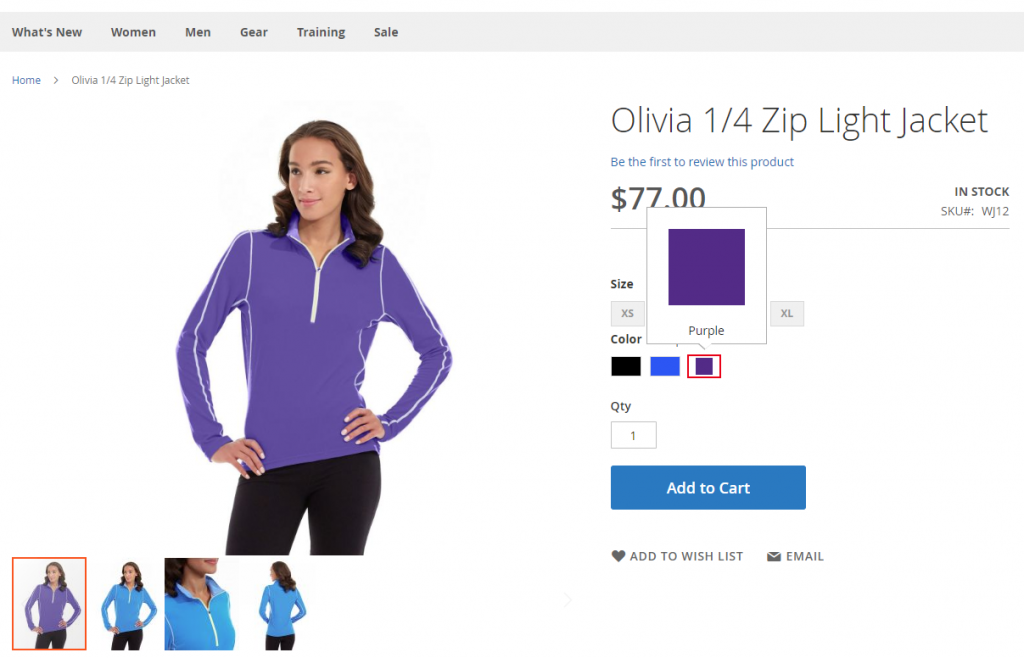
The main image of a configurable product changes with the swatch color tiles in Magento 2. However, there are a few settings to check if this doesn’t work out of the box.
Update Product Preview Image
In the product attribute section in Stores >> Attributes >> Product >> Color, make sure “Update Product Preview Image” is set to “Yes.”

Also, check the options “Visible on Catalog Pages on Storefront” and “Used in Product Listing” for the attribute (in this case color) are set to “yes”.