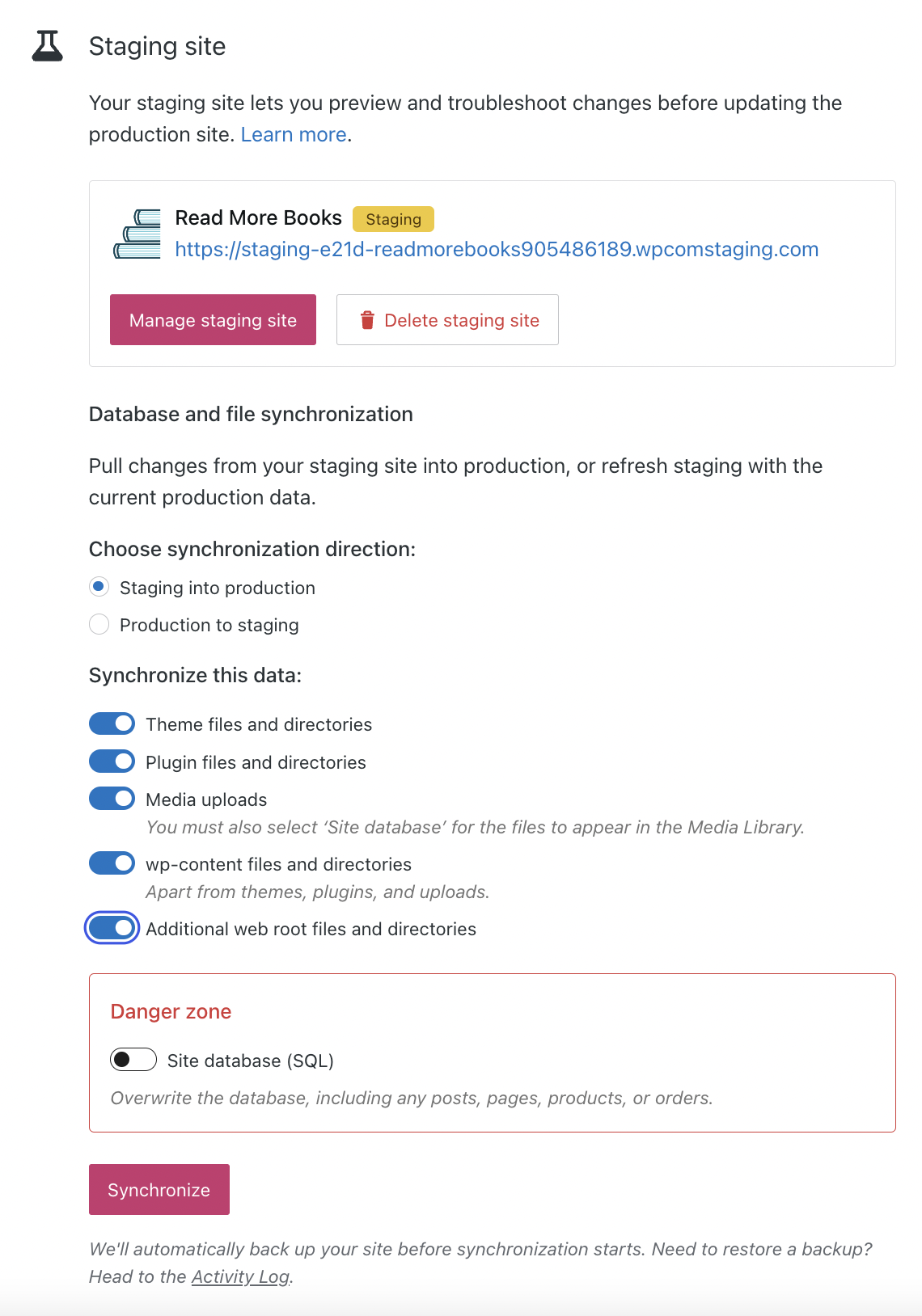
First, create a staging site on a Business or Commerce site with Hosting Features enabled. Once your staging site is created, try out some new plugins, play around with a new site design, or build a brand new homepage.
When you are satisfied with your changes and would like to copy them from staging to production, follow these steps:
- Navigate to your hosting dashboard: Settings → Hosting Configuration
- Scroll down to the “Staging site” section
- Select one of the options under “Choose synchronization direction”
- Toggle your desired options under “Synchronize this data”
- Click “Synchronize”
When the confirmation window appears, proceed by clicking “Synchronize” one final time.